An app blocker. A habit builder. A physical key.
One complete system.
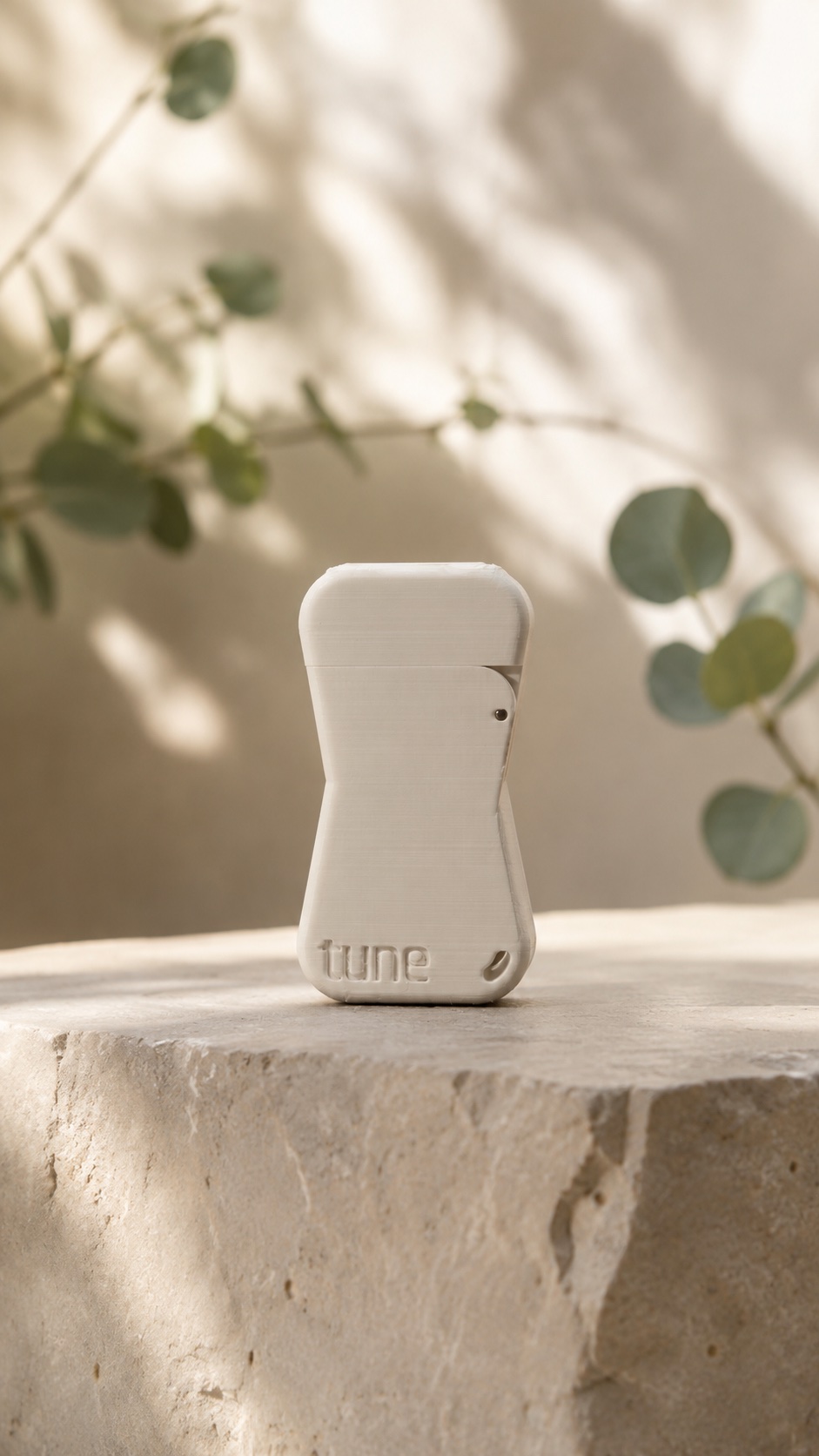
A simple physical ritual for healthier screen time.
Choose your digital boundaries, plug in the key, and put your distractions out of reach.
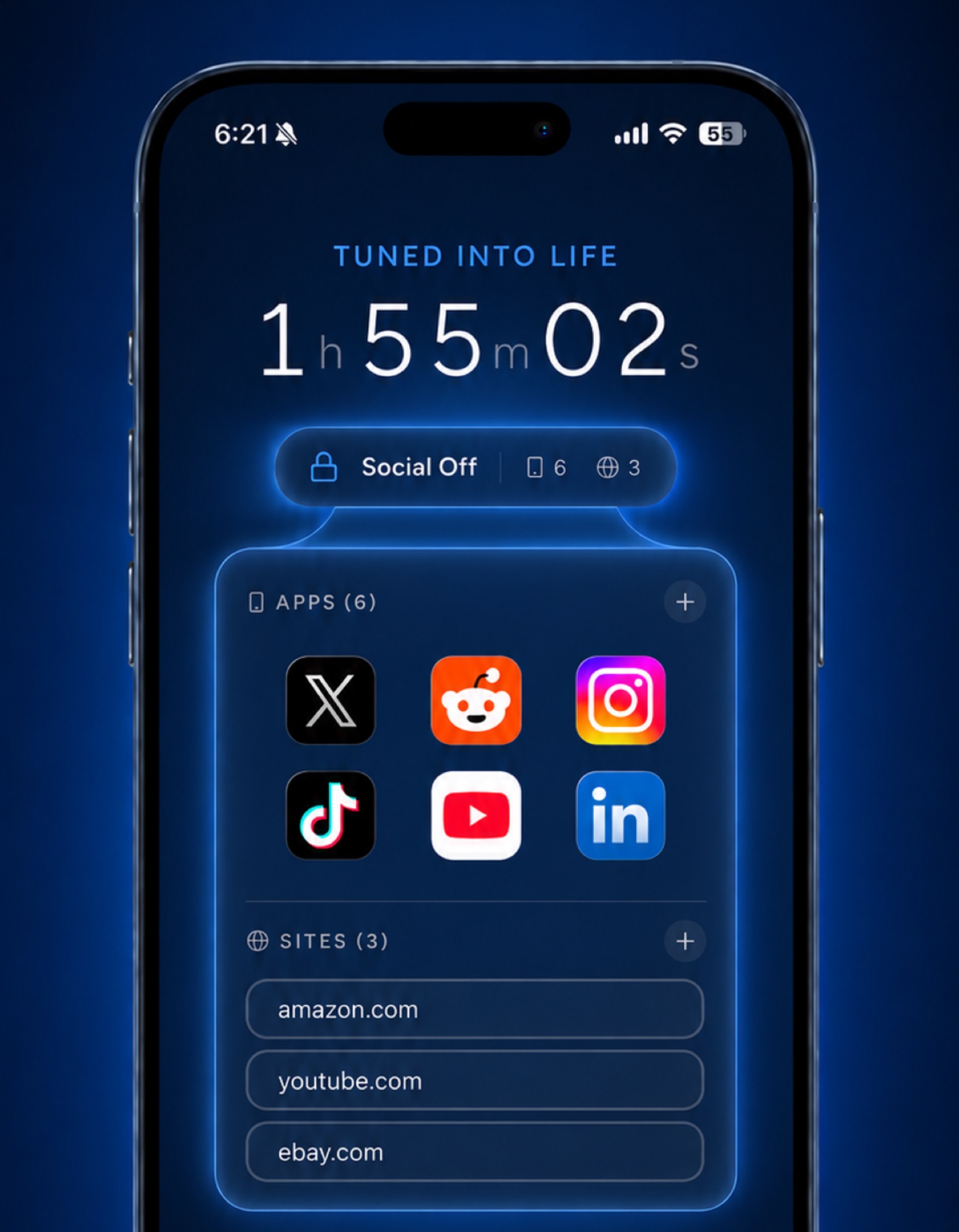
Choose what to lock
Select the apps, websites, and short-form content that pull you in.
Plug in your key
Plug in your Tune Key and your distractions become inaccessible.
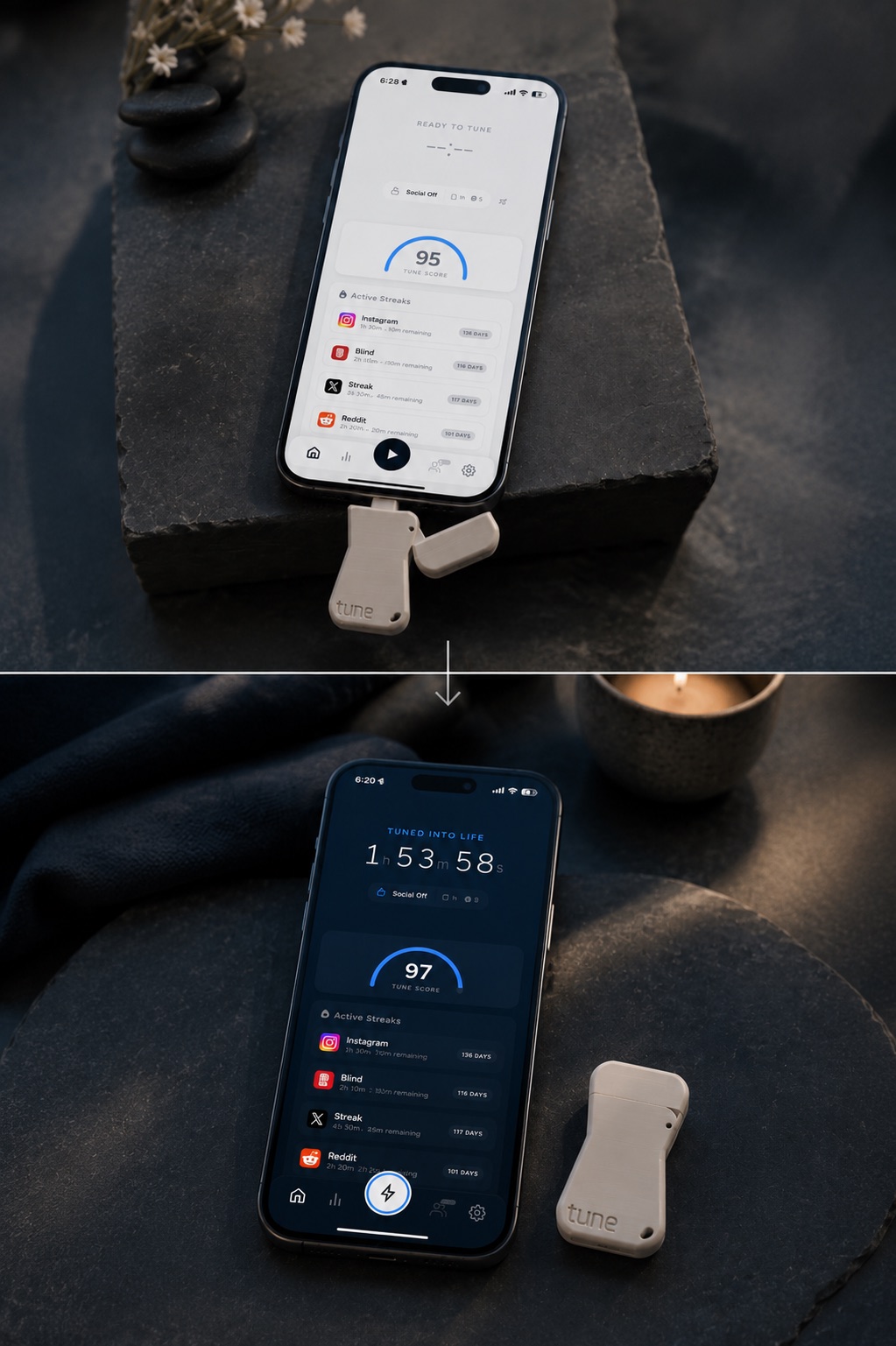
Tune Into Life
Put the key away. Plug it in again when you're ready to unlock.

More than an app blocker.
Build consistency with streaks, timed breaks, and a clear sense of progress.
Turn limits into streaks
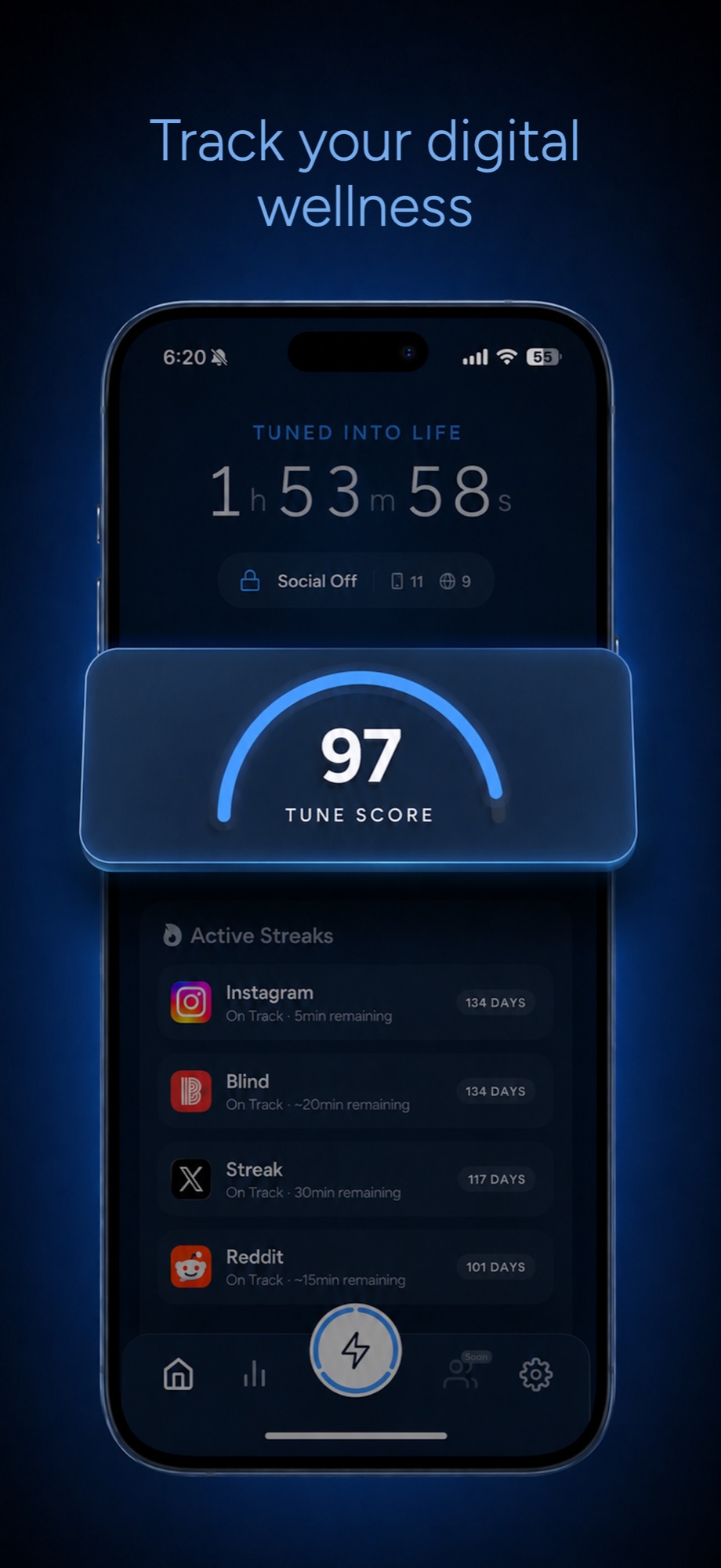
Set a daily time limit for any app and build your streak by staying under it. Invite a friend to make it a shared challenge.
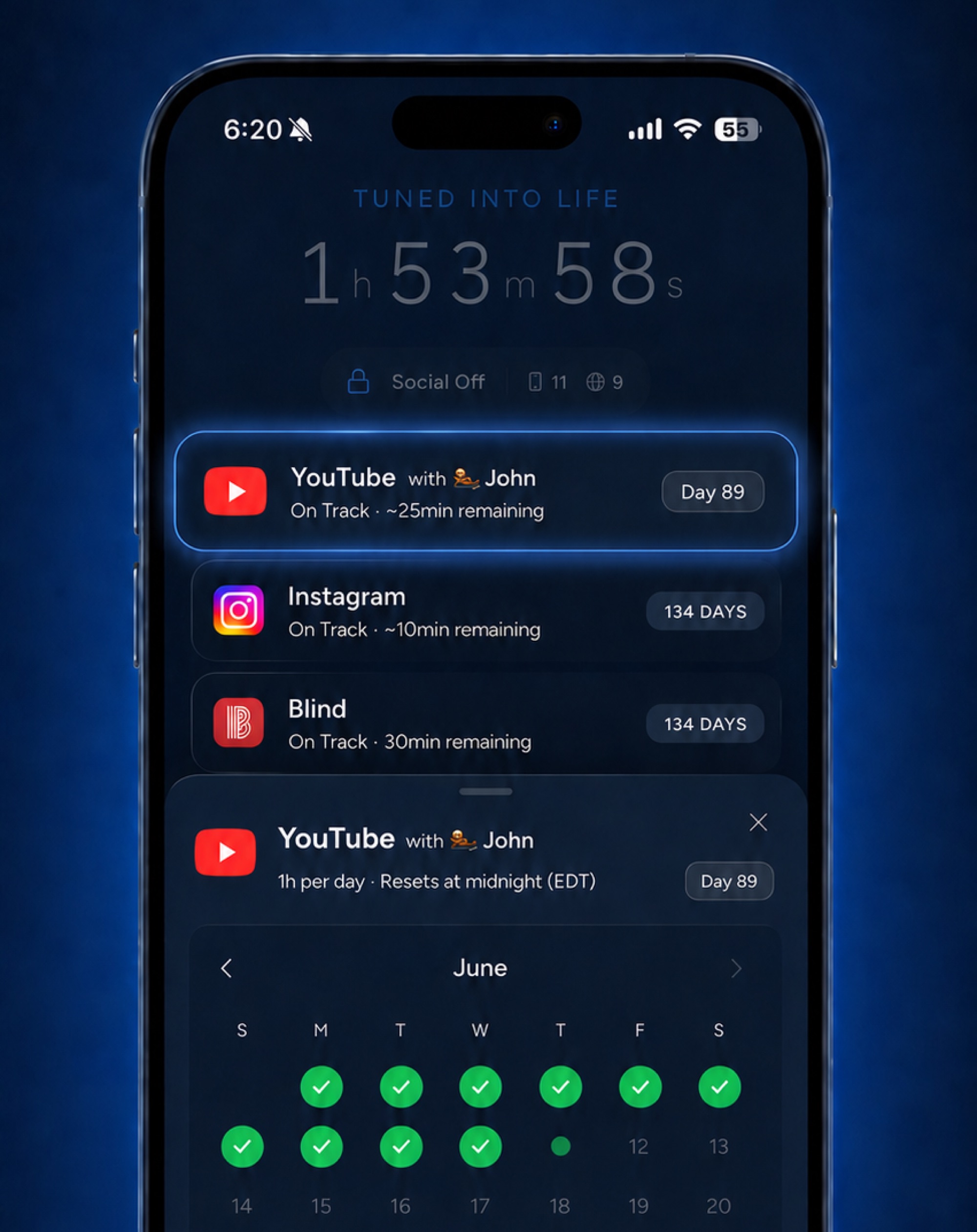
Take a break. Stay tuned in.
Need temporary access? Enjoy a few intentional minutes, then let Tune return you to your session.

Watch your progress add up
See your healthier habits take shape in one simple score.
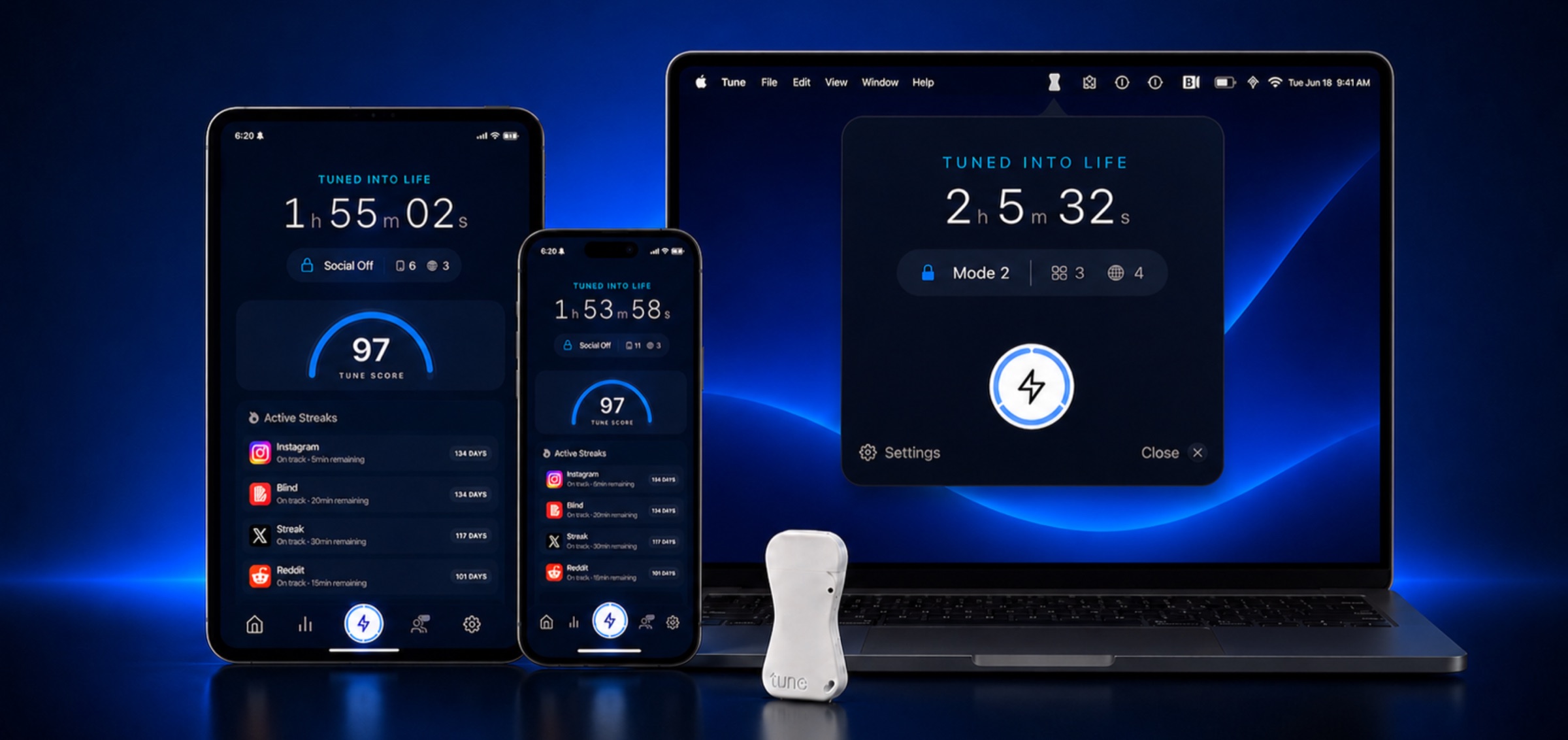
One key. Every device.
Use the same Tune Key to lock distracting apps and websites across iPhone, iPad, and Mac.
Friction that fits real life.
The best screen-time system isn't the strictest one. It's the one you can keep using.
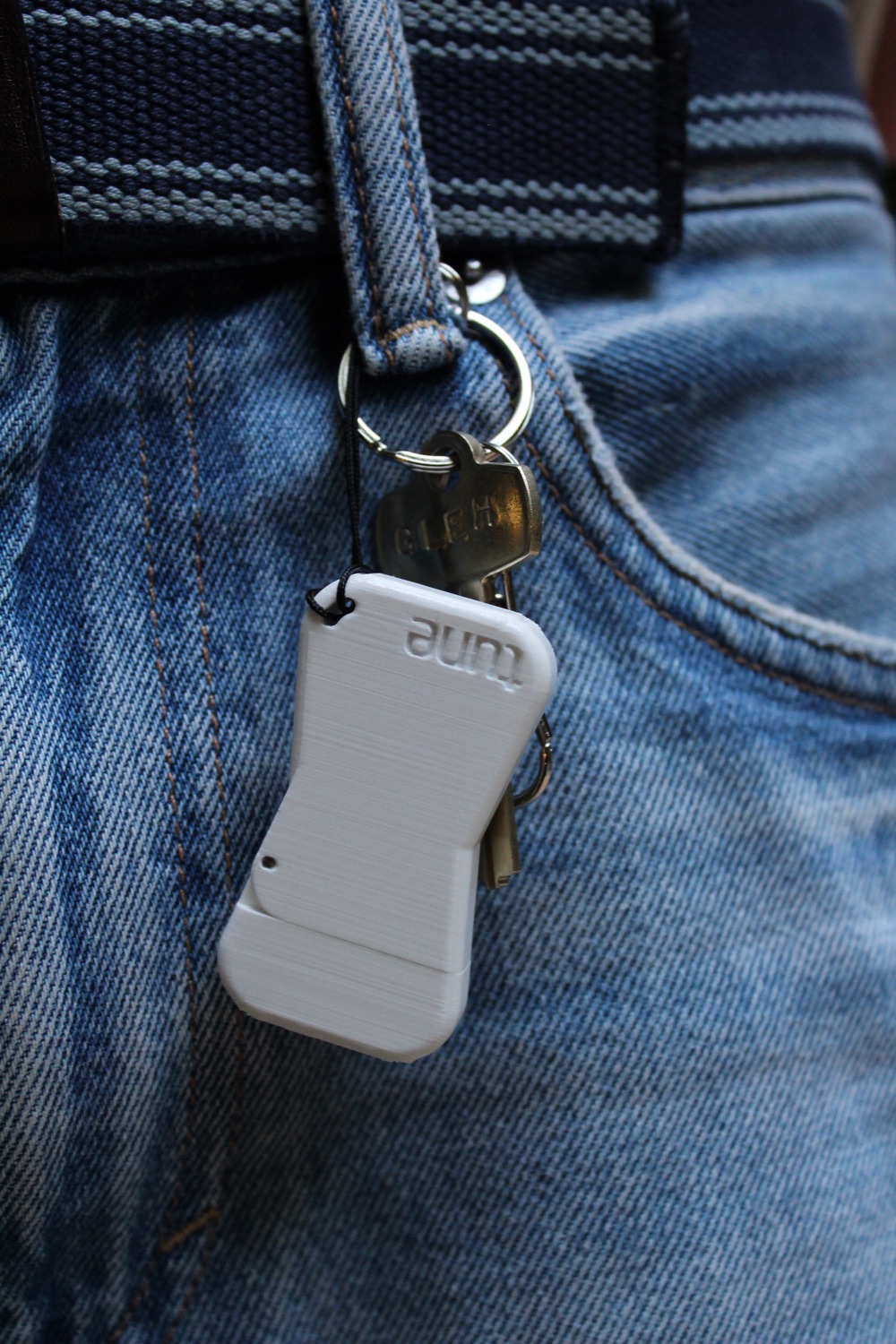
Tune adds a small physical step between impulse and access. Keep the key on your keychain for a gentle pause, leave it across the room for more distance, or hand it to someone you trust for a stronger commitment.
But real life isn't all-or-nothing. Breaks give you a few intentional minutes without ending your session. Streaks add a daily guardrail when you're unlocked, so a few unplanned minutes don't quietly become an hour.
The magic is in the combination: physical friction to interrupt impulse, flexibility for real life, and momentum that keeps you going.
Physical friction when you need it. Flexibility when you choose it. Better habits that last.
Get your Tune Key.
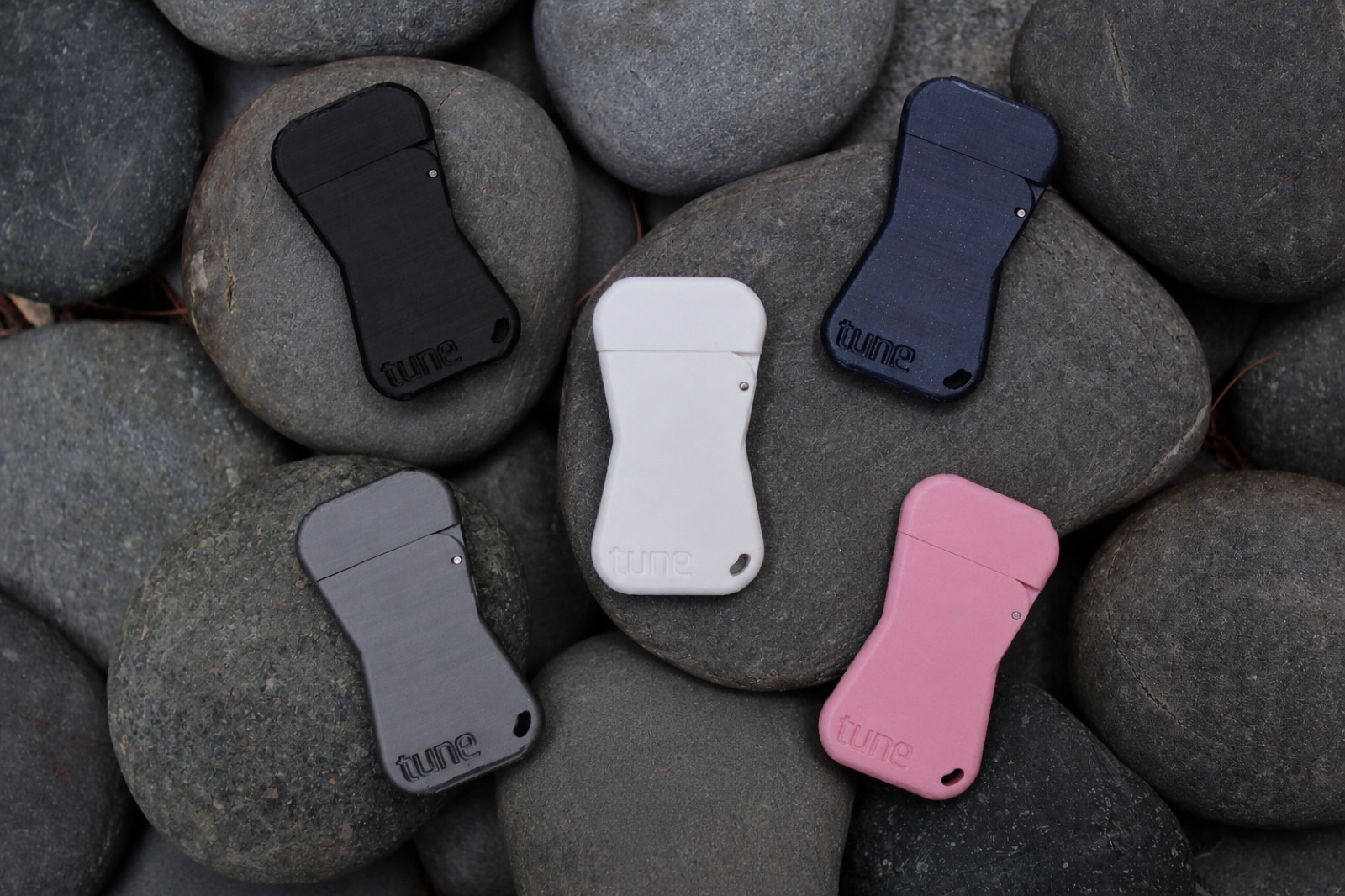
One Tune Key. Lifetime access to Tune on iPhone, iPad, and Mac. Direct setup help from the founders.
$59 one-time
- Free U.S. shipping
- Ships within 2 business days
- 30-day money-back guarantee
- Patent pending
Made in small batches, each Founder Edition key may have slight cosmetic variations.
FAQ
Everything about the key, the app, and how they work together. Missing something? Let us know.
Which apps and websites can Tune lock?▾
All of them. Any app on your device - social media, games, video, browsers - plus any website. If it distracts you, Tune can lock it.
Does the key need to stay plugged in?▾
Not at all - Tune works like a real key. A quick plug locks or unlocks, and the key should come right out.
How is Tune different from Screen Time or other blocker apps?▾
Screen Time and blocker apps rely on the same willpower they’re supposed to replace - when the limit hits, “Remind Me in 15 Minutes” is one tap away. Tune’s boundary is physical: unlocking requires an object, not willpower. You can’t talk yourself past a key that isn’t there.
What about Brick and other physical blockers?▾
We’re fans of anything physical - we tried them ourselves, Brick included, and the idea is right. But most are all-or-nothing: you’re locked out completely until you tap out, and total abstinence tends to end in a binge.
Tune is built for moderation instead - streaks, daily limits, and a wellness score that build habits that actually last. And it protects all your devices: iPhone, iPad, and Mac. Blockers that only cover your phone just move the scrolling to your laptop.
Is there a subscription?▾
No subscription. Your purchase is one-and-done: the Tune key plus lifetime access to the app on iPhone, iPad, and Mac. Later batches may be priced differently.
Can parents use Tune for kids?▾
Yes - it’s one of our favorite uses. Lock the distracting apps on your kid’s device and keep the key. They keep their phone; you keep the boundary.
What if I lose my Tune key?▾
You’re never locked out. Tune includes a limited number of emergency unlocks in Settings - no key required. They’re limited on purpose: enough to save you in a pinch, not enough to become the routine.
What is the return policy?▾
Every Tune Key comes with a 30-day money-back guarantee. If something feels off, contact us and we’ll make it right.
What’s the difference between Modes and Streaks?▾
Modes are the hard boundary: the apps and sites your key locks and unlocks. Streaks are the gentle one: daily time limits that keep working even while you’re unlocked. Two tools, one goal - the key enforces the boundary, and Streaks build the habit.
Do locked apps still send notifications?▾
No. While you’re Tuned In, notifications from locked apps don’t show up - no banners, no badges, no pull to check “just one thing.”
Can’t I just delete Tune to get around a lock?▾
Not with Strict Mode on. It blocks app deletion entirely while you’re Tuned In - including deleting Tune itself - and it can only be turned off while unlocked, with the key.
Can I change which apps and websites are locked?▾
While unlocked, you can edit your Mode freely - add or remove apps and sites, rename it, or switch Modes. While Tuned In, you can only add to your Mode.
Does Tune see my browsing or app data?▾
No. Tune is powered by Apple’s Screen Time framework, which runs on your device - we never see which apps you use or what you browse.
How do I get Tune on my Mac?▾
Straight from the Mac App Store. Your purchase includes lifetime access on Mac, so there’s nothing extra to buy.
Do I use the same key as on my iPhone?▾
Yes - your Tune key works across iPhone, iPad, and Mac. On Mac it’s even smoother: Tune runs quietly in your menu bar, so the key works the moment you plug it in - no need to open the app first.
Website blocking isn’t working.▾
Make sure the site is added under All Browsers in your Mode. That blocks it everywhere - Safari, Chrome, and any other browser.
Why can’t I open a private/Incognito tab?▾
When All Browsers blocking is active, Apple disables certain private browsing features system-wide. It’s an iOS limitation - we’re working with Apple on more granular control.
My apps are still blocked even though I unlocked.▾
Rare, but easy to fix: open Settings in Tune and tap Fix Stuck Locks.
Does Tune work with Firefox?▾
Not yet - our current blocking mechanism doesn’t cover Firefox. In the meantime, add Firefox itself to your locked apps and browse in Safari or Chrome, where blocking works fully. Want Firefox support? Tell us - demand moves it up the roadmap.
The Tune icon disappeared from my menu bar.▾
macOS hides menu bar icons when space runs out. Hold ⌘ and drag the Tune icon further right in the menu bar - spots near the right are more stable and won’t get pushed off.